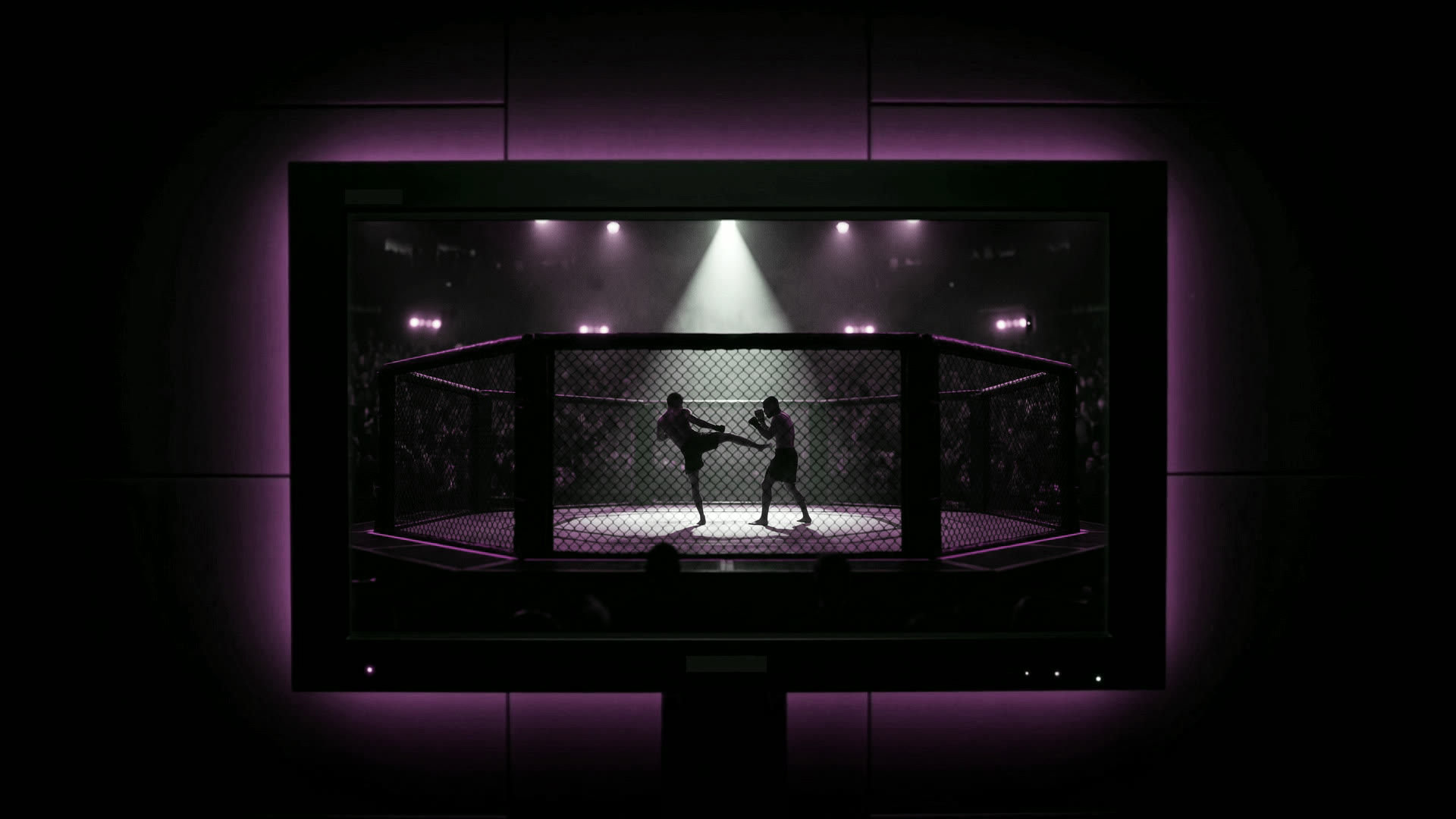


The show becomes one signal.
Cameras, guests, screens, audio, and graphics leave the control room as one broadcast-grade program feed.

Early access · Live production OS
StreamLumo builds purpose-built applications for desktop production, browser-based shows, and mobile broadcasting. Choose the app designed for your workflow, then take the program live wherever your audience watches.
Cameras, guests, screens, audio, and graphics leave the control room as one broadcast-grade program feed.
StreamLumo routes the program to Twitch, YouTube, Kick, Facebook, and every custom endpoint you connect.
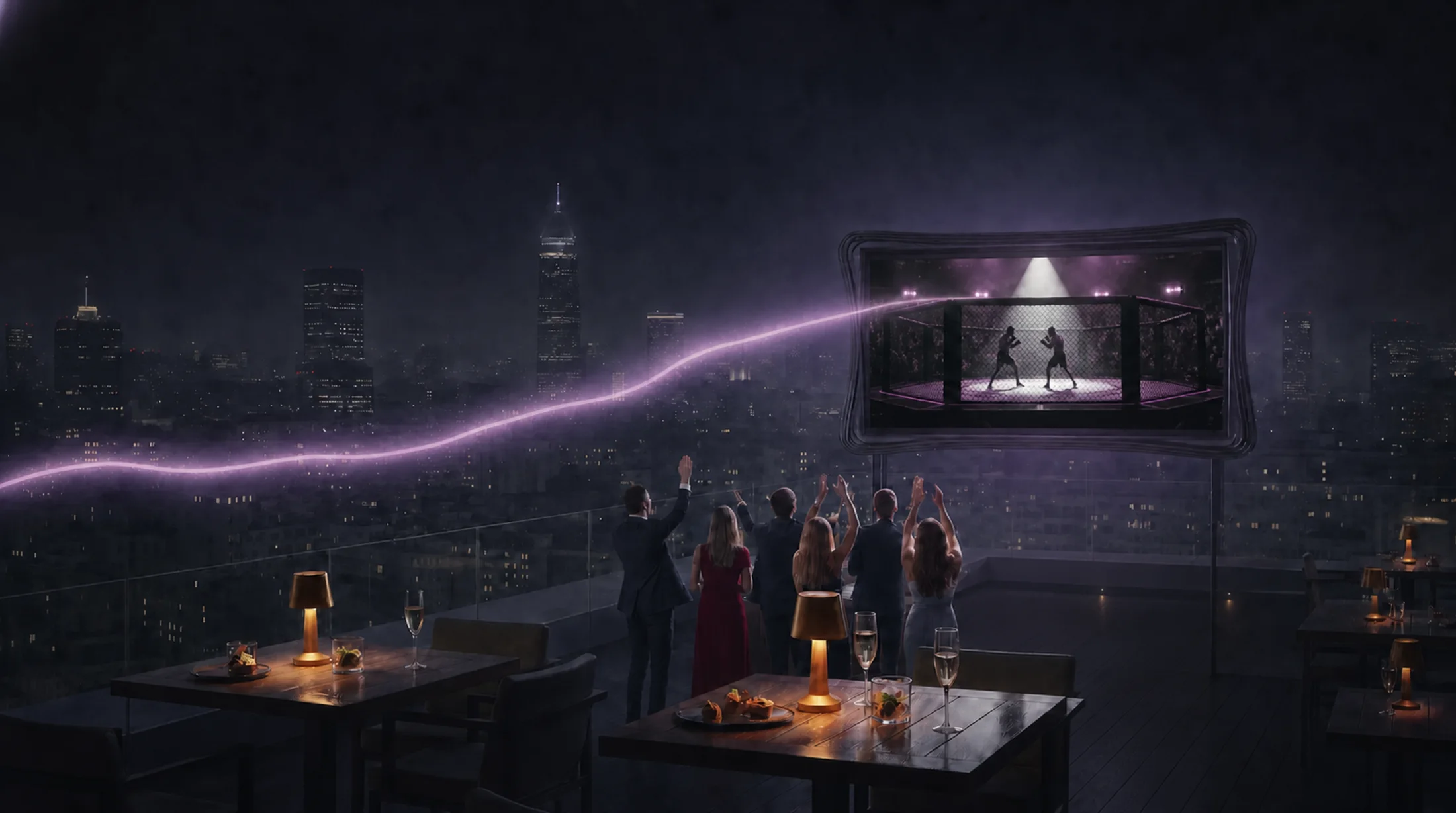
The signal lands on platform players, venue screens, and every device watching the show. One program, still in sync.
One production system
The applications are independent, but the production principle is consistent: capture what matters, shape the program deliberately, deliver it reliably, and keep its health visible from first frame to final viewer.
The cameras, screen shares, media, audio, and external feeds relevant to the application enter its production graph.
Scenes, audio, graphics, replay, and recording are composed once into the program your audience sees.
Operators, their remote devices, and permission-gated assistants work against the same live state and preview bus.
One uplink becomes every platform destination, custom endpoint, recording, and venue screen you connect.
Telemetry, destination health, reconnect state, and dropped-frame signals stay visible while the show is live.
StreamLumo product suite · Private testing
Desktop Studio, Web Studio, and Mobile are independent StreamLumo applications with different technologies, feature sets, and audiences. All three are being developed and tested in parallel as they approach release.
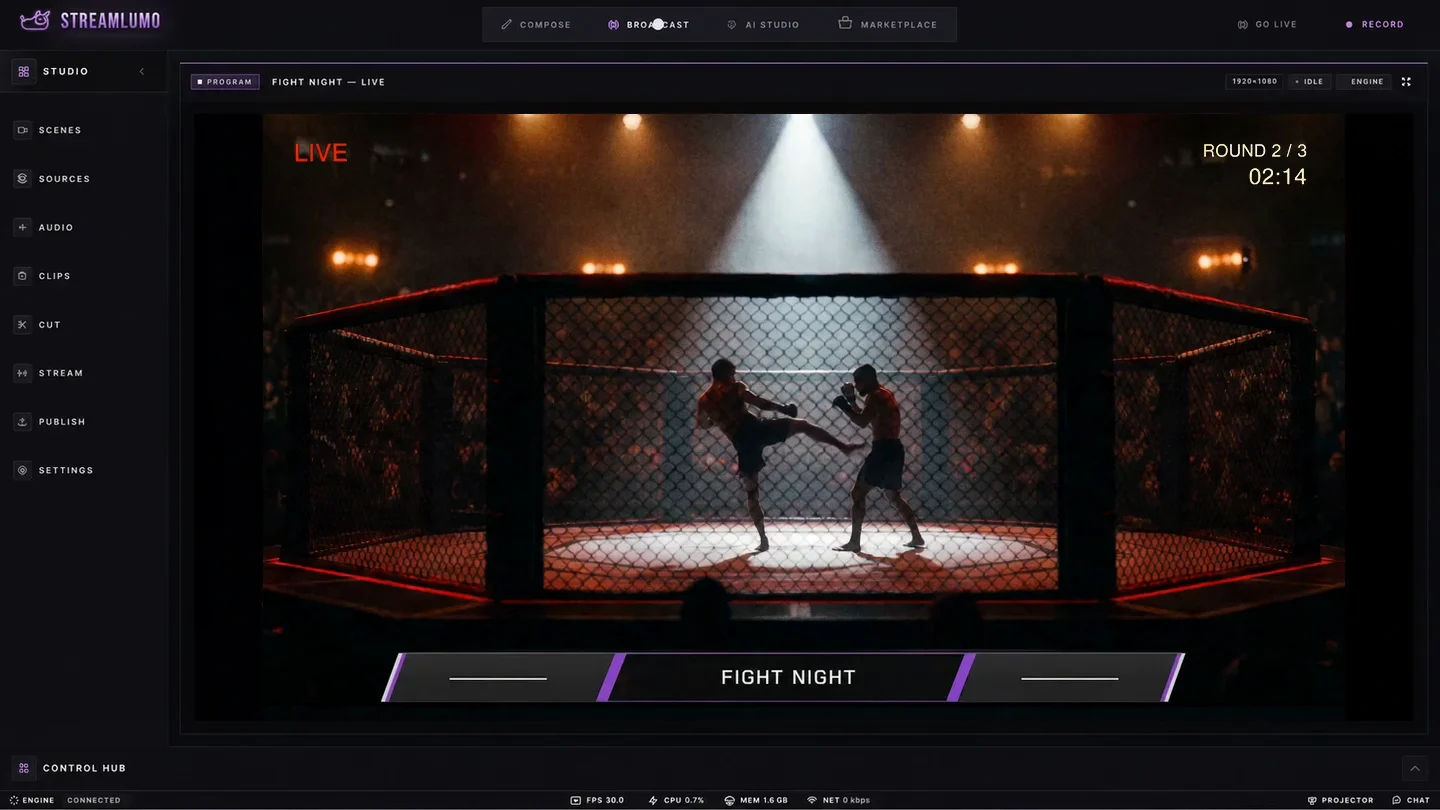
For producers and technical directors
Deep production control for scenes, switching, audio, graphics, recording, and multi-destination delivery from a native desktop workspace.
For hosts, interviews, and remote shows
A browser-native production environment where hosts and guests join by link, pass device checks, wait in a green room, and enter the live program deliberately.
For field creators, reporters, and IRL
A mobile broadcasting application for camera and screen capture, live telemetry, adaptive delivery, local recording, and fast field workflows.
Availability reflects current private testing. Features and release timing may change as validation completes.
Interactive demo · Source → Program → Live
Choose the next shot, take it to Program, and start the broadcast. This is StreamLumo's essential production loop, made visible and playable instead of buried in a feature list.
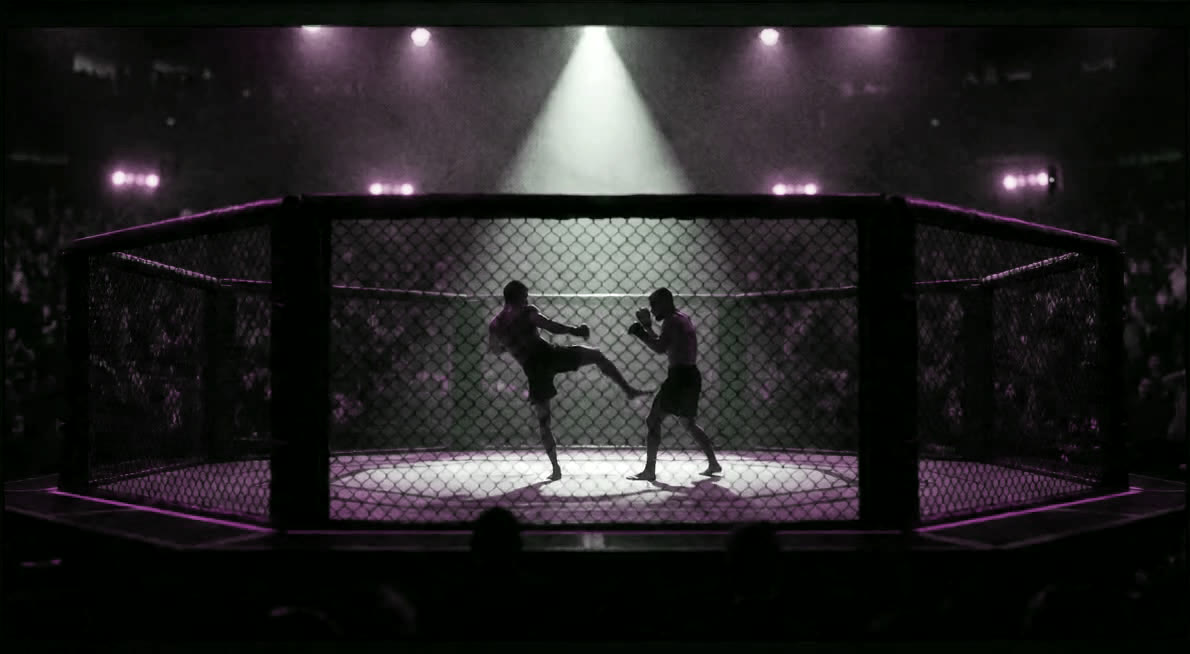
Destination · Ready to receive
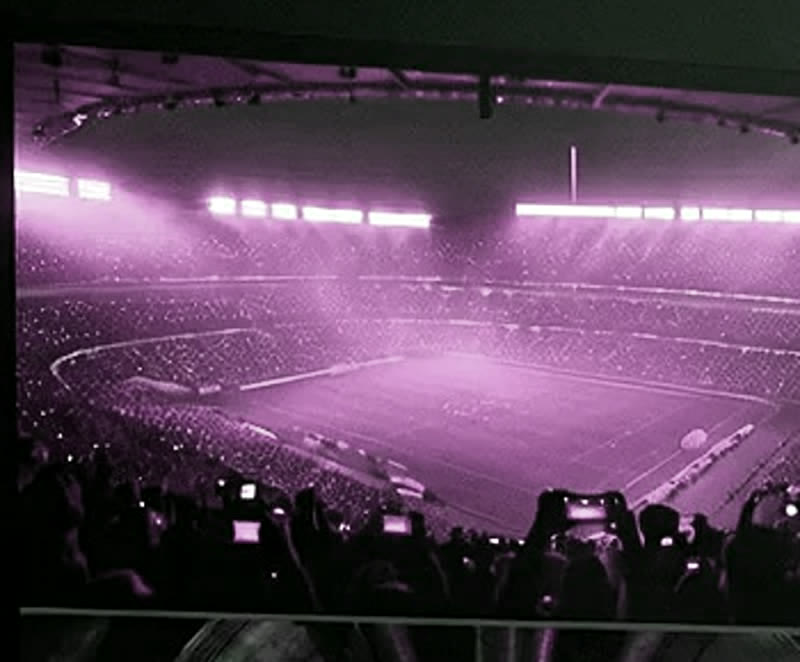
The source you took to Program leaves the control room and arrives on platform players, venue walls, and screens across the city. One deliberate take, carried through to the audience.
Any format · Purpose-built workflows
Fight Night is one demonstration, not the boundary. Explore how the production language adapts to different formats, teams, and audiences.
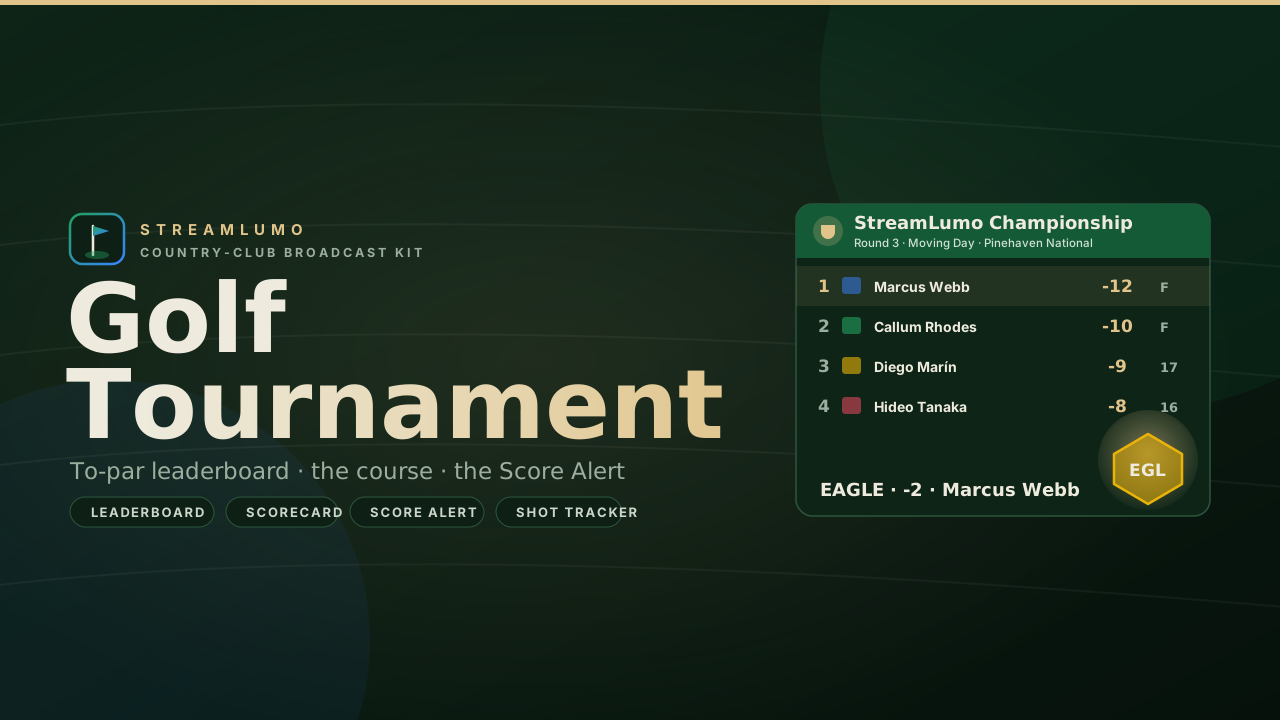 Overlay pack · Golf Tournament
Purpose-built workflow
Run multi-camera competition, replay the moment, drive live data, and hand graphics control to an operator beside the action.
Early access
Desktop Studio goes out to operators in waves, Mac first. Join the early-access list and we will email you the moment a seat opens.